Setup
First provisioning on a new machine. The order matters — each step depends on the one before it, and the last one only means anything once the first three are right.
This page is about teaching Reflex your lathe. If the software is not on the machine yet, start with Installing on a Pi and come back here.
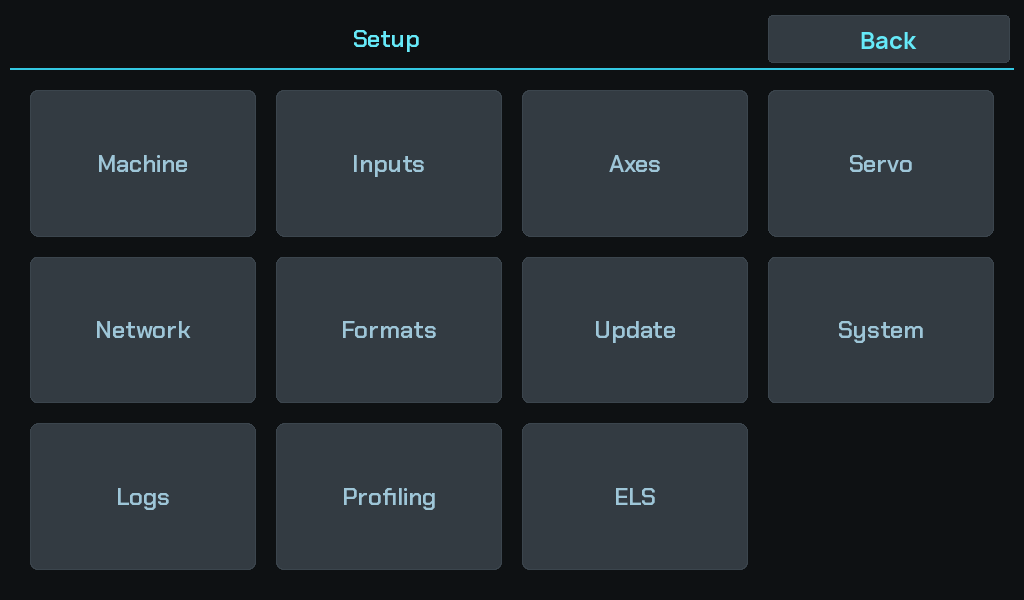
Everything below lives behind the gear in the sidebar.
The last step moves the machine
Backlash calibration drives the carriage under power. Nothing before it does. Do not run it with a tool at the work.
| Step | What it establishes | |
|---|---|---|
| 1 | Axes and scales | Which physical input is Z, which is X, which is the spindle — and what a count is worth. |
| 2 | Servo and leadscrew | How a distance becomes leadscrew steps. |
| 3 | Backlash calibration | How much play the drivetrain has, so the controller can confirm a take-up. |
Why this order
Steps 1 and 2 measure the machine in two independent ways, and that independence is what makes a mistake visible.
The DRO reads from the scales, so a wrong servo ratio does not show up there — the position on screen stays correct while every commanded move is off by the ratio. Conversely a wrong scale resolution leaves commanded moves correct and the readout wrong.
Getting either wrong therefore looks like the machine working. The only checks that catch them are physical: a dial indicator against the readout for the scales, a known commanded move measured at the part for the servo.
Step 3 depends on both being right, because it measures a distance with the scales and drives it with the servo.
Where the field-level detail lives
Every setting named in these pages has its own help on the machine — press the ? on any settings screen. That is the reference layer and it ships with the software; these pages are the order and the reasoning.
The topics are indexed under Reference for reading away from the lathe.